
App Management
App Management is reached via the [Apps icon] in the sidebar. It lists all apps available for memo in a grid view. Apps can be active or inactive.
Icons in App Management
 Free App — the app is free and can be activated directly.
 Premium App — the app is part of the premium offerings and requires a license.
 Details — appears when hovering over an active app, opens details about the app and its status.
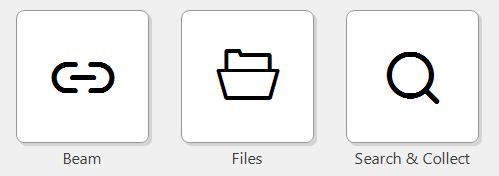
Active apps have no icon in the top-right corner. However, hovering over an active app reveals the -icon in the top-right corner. Click it to see details about the app and its status.
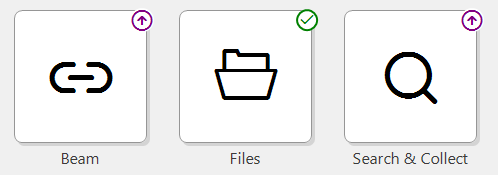
Inactive apps are marked with a -icon or a -icon in the top-right corner. The icons indicate whether an app is free to use or part of the premium offerings.
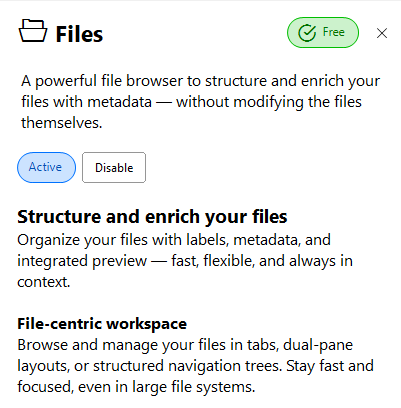
The detail view shows a description of an app and its status. It's also where an app can be switched on and off. Premium apps can additionally be activated here with a license key.