
Main Window
The main window of memo is laid out as you'd expect from many applications. On the left, a sidebar provides shortcuts to apps and settings. The main area shows the currently selected app, or opens in a separate window.
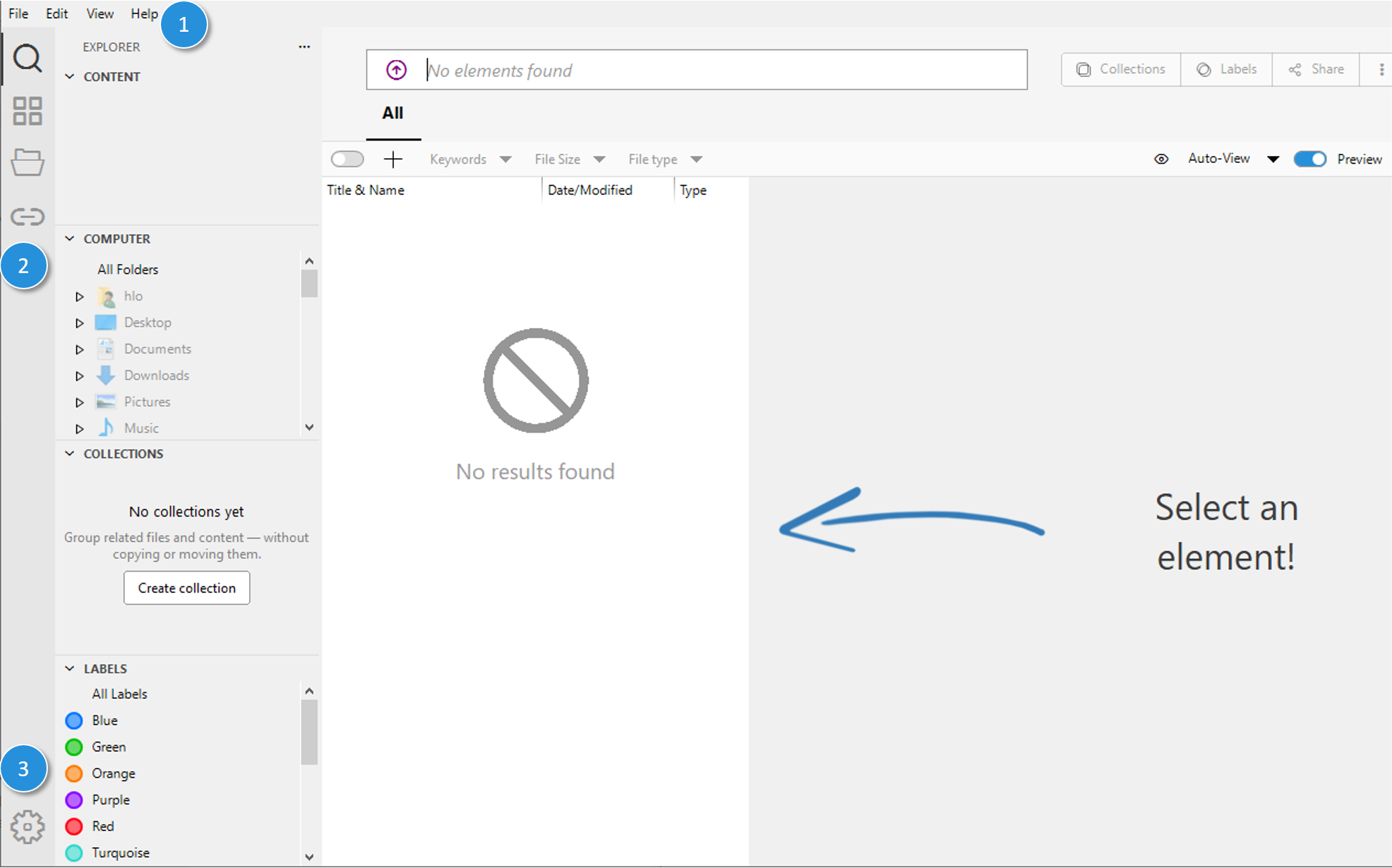
- Main menu — the menu bar with the application's main menu items.
- Sidebar with app icons — for switching between apps, top to bottom: Search & Collect, App Management, Files, Beam.
- Bottom of the sidebar — opens the application's Preferences.